Track screen time alongside your mood
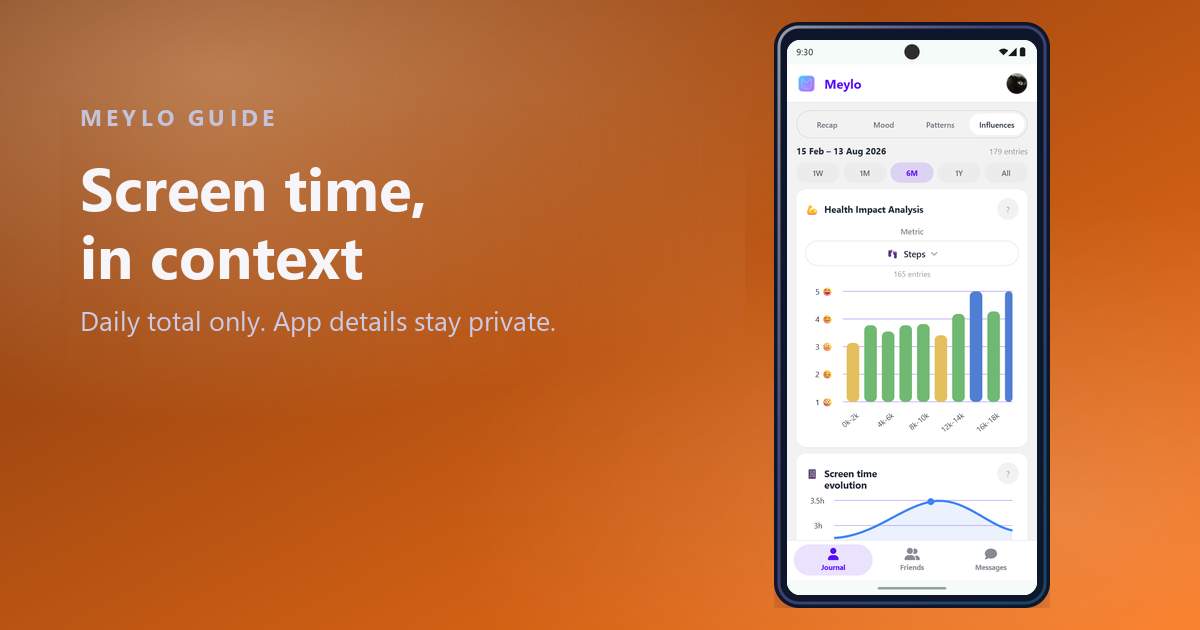
Screen time is one of the few context signals you cannot estimate honestly from memory. Your phone already counts it.
Quick answer
Android users want to add screen time to their mood tracking and need to know how much detail is collected.
Only the daily total, and that is deliberate
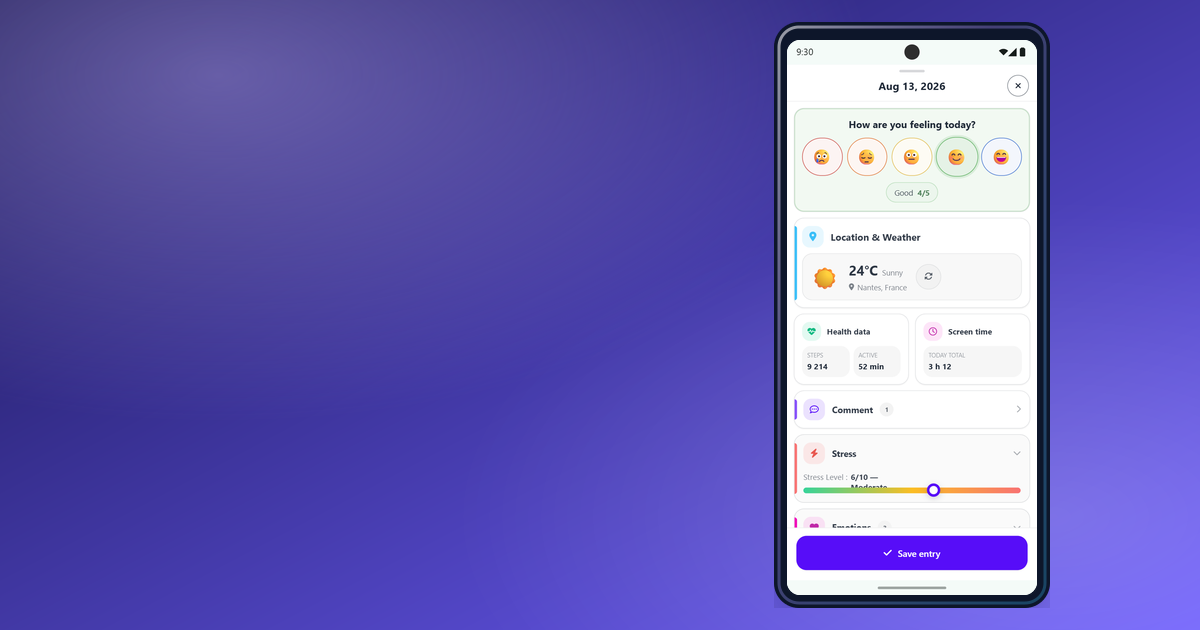
Meylo reads one number per day: your total screen time. Which apps you used, and for how long, stays on your phone and is never read.
That limit is a design decision, not a technical shortcut. A daily total is enough to compare heavy days with light ones in your mood history, and it avoids building a log of your app habits that nobody needs.
This integration is Android only. On iPhone and on the web, the screen will tell you it is unavailable rather than pretending to work.
Why Android asks for usage access
Screen time sits behind a special Android permission called usage access. It is not part of the normal permission prompt, so Android requires you to grant it from system settings rather than from inside the app.
Meylo opens the right settings screen for you, but the switch itself lives in Android. This is the same for every app that reports screen time.
Turning it on
Open Settings, then Data & Integrations, then Screen time. The screen walks you through the two steps in order.
Step one opens Meylo's app info. Step two opens the usage access list, where you enable Meylo. Once that is done, come back and run the Live test to confirm today's total can be read.
If you installed Meylo from an APK rather than from the Play Store, Android may block usage access until you allow restricted settings: open Meylo's app info, tap the three-dot menu, and choose Allow restricted settings. Then return to step two.
What to do with the number
Look for range, not for a target. Comparing your lightest days with your heaviest ones over a month says more than any single day, and it avoids turning a context field into a score to beat.
Screen time also correlates with other things: travel days, sick days, weekends, long commutes. If a pattern shows up, check what else those days had in common before drawing a conclusion.
FAQ
Start a clearer mood history
Add your daily screen time and compare heavy days with light ones in your own history.
Read other articles
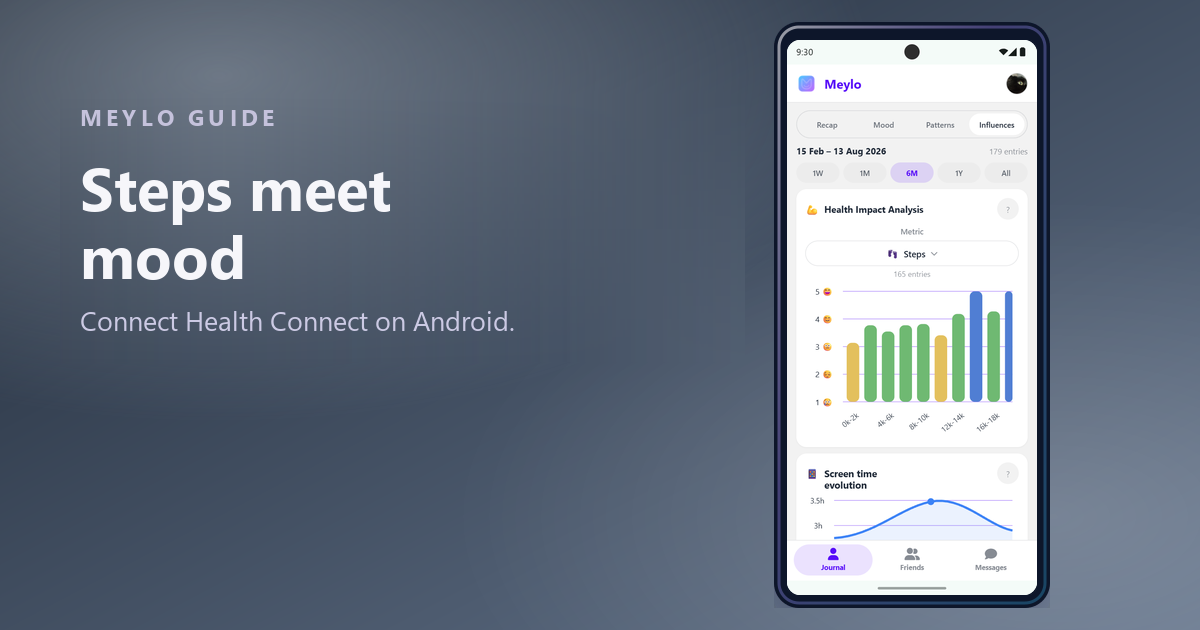
Connect Health Connect to see how movement affects your mood
Steps, workouts and heart rate are already on your phone. Connecting them lets your mood history answer a question you cannot answer from memory.
Read article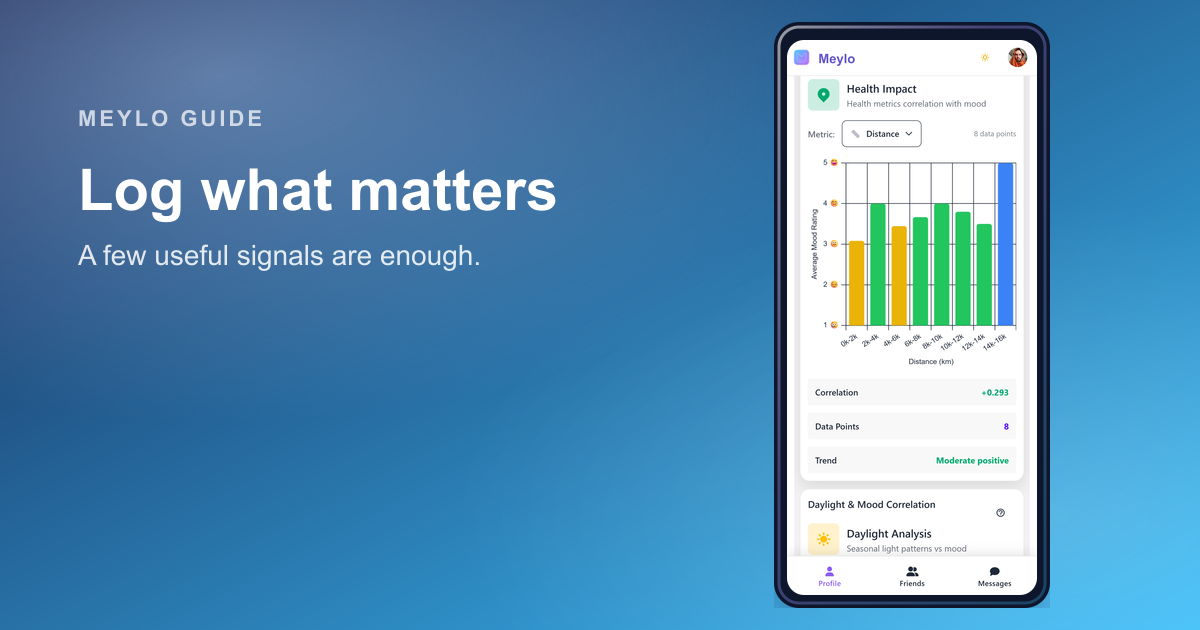
What to log in a mood tracker so the data becomes useful
The best mood tracker data is not the most detailed data. It is the data you can understand when you review it later.
Read article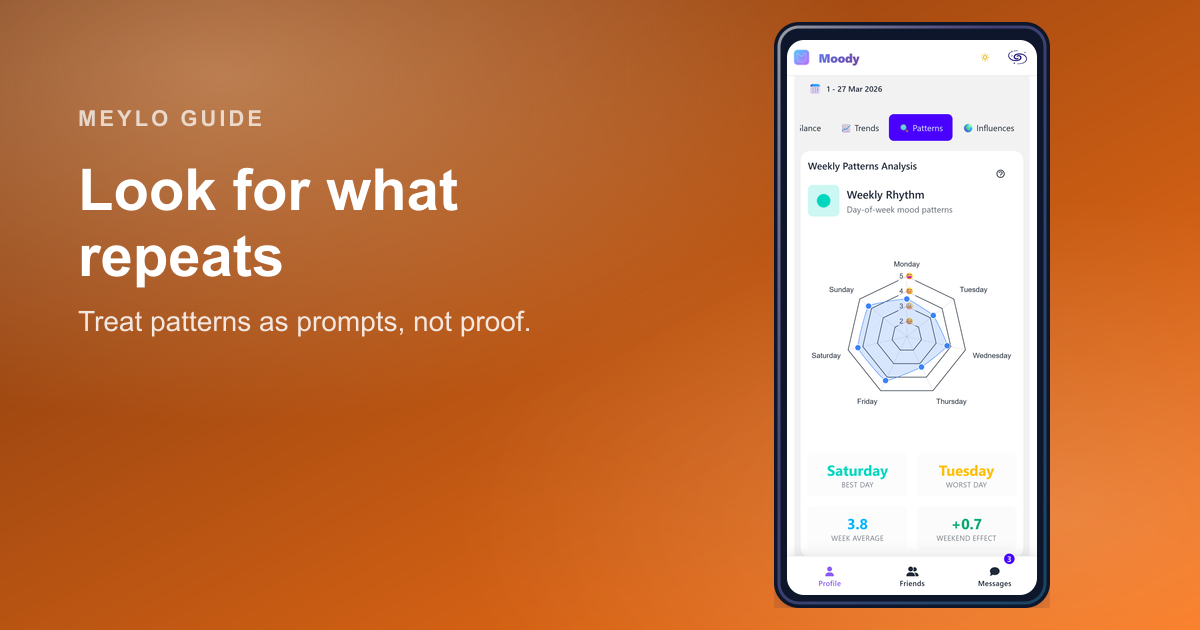
How to spot patterns in your mood data without forcing them
A real pattern repeats. A single memorable day is just a day until the history gives it context.
Read article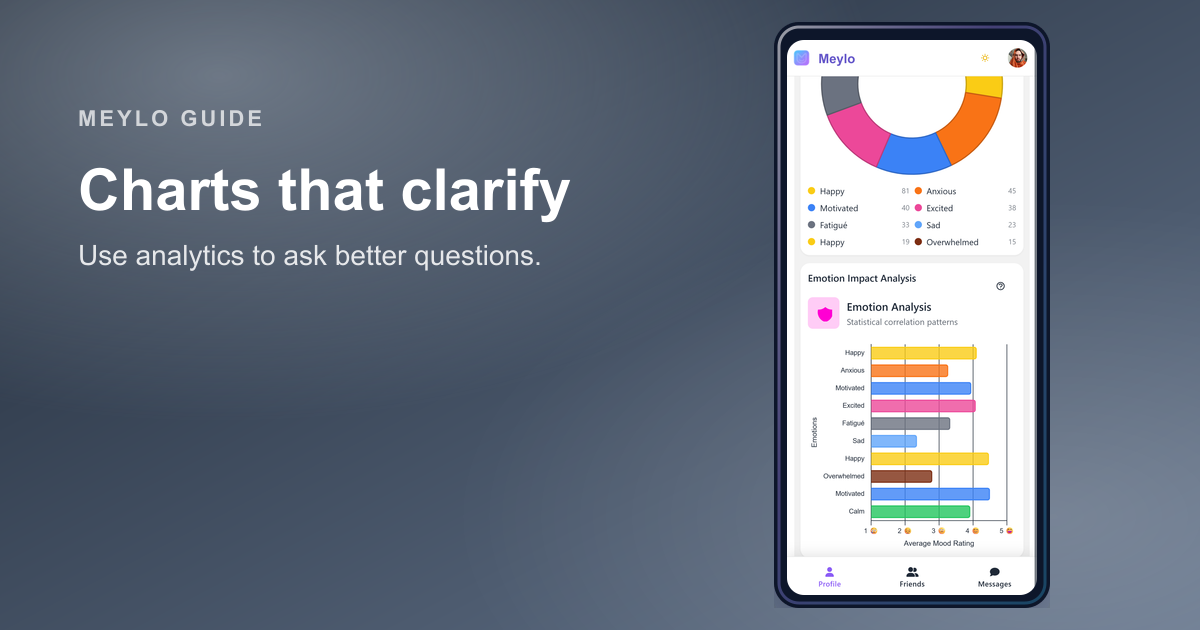
What a mood tracker with analytics should actually help you understand
Good mood analytics do not tell you who you are. They help you ask better questions about your recent days.
Read article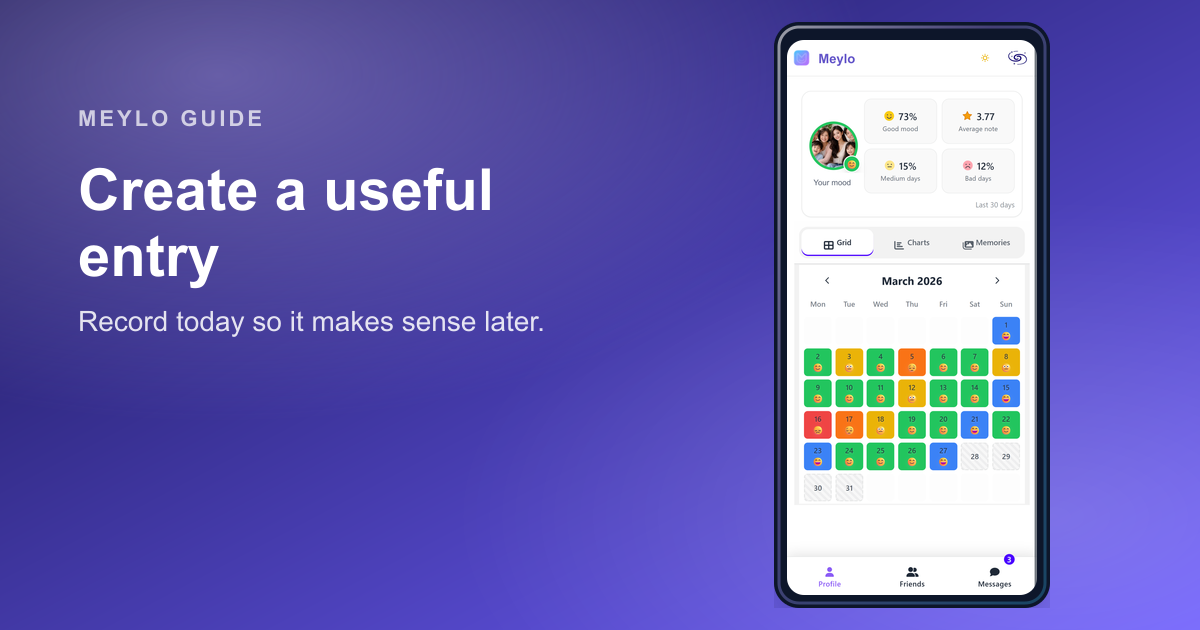
Create a mood entry that stays useful later
A good mood entry is quick to create today and easy to understand when you review it later.
Read article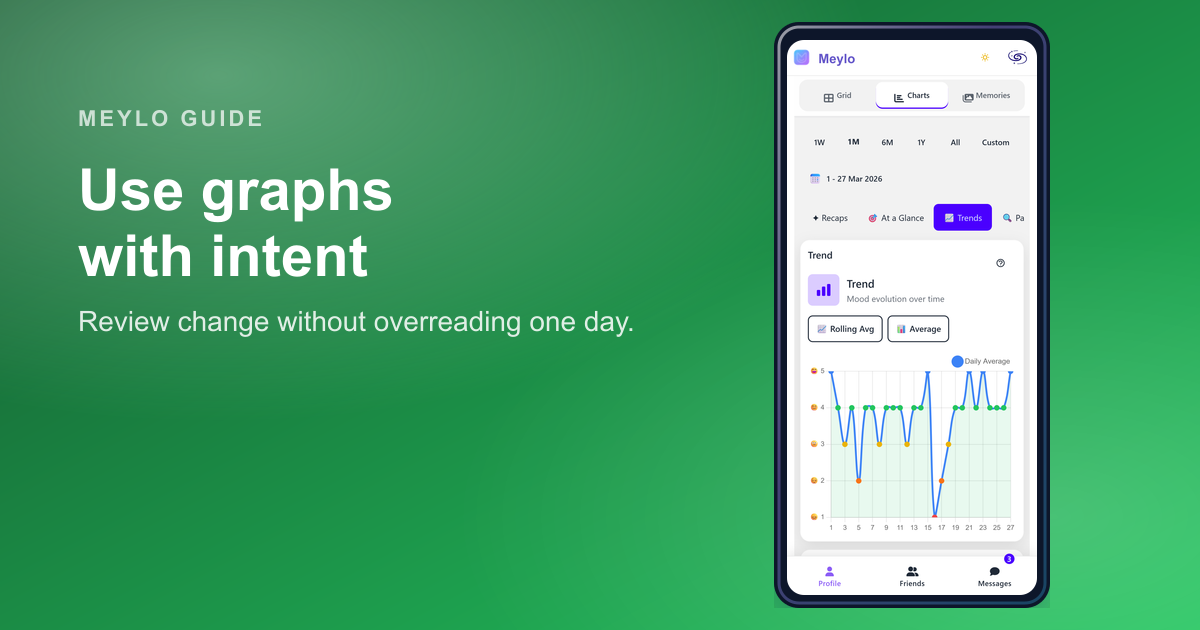
How to read your mood charts without overreading your data
Your mood charts are designed to make your history easier to review, not to turn your mood into a scorecard.
Read article