Set up reminders that keep tracking consistent
A tracking habit usually fails on timing, not on motivation. One reminder at the right hour fixes most of it.
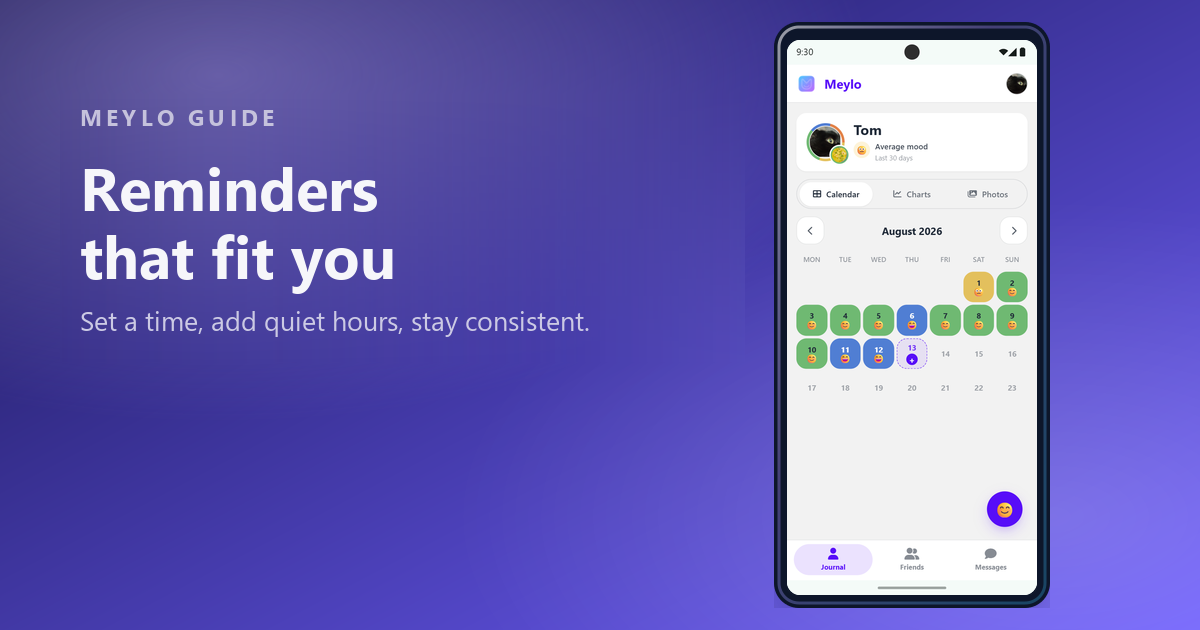
Quick answer
Users who keep forgetting to log want to configure reminders without turning the app into a source of pressure.
Start with one reminder
Open Settings, then Notifications. The primary reminder is the one that matters: a single daily nudge to log today's mood.
Pick a time when you are usually free and reflective rather than rushed. Evening works for most people because the day is done, but a fixed commute or a lunch break works just as well if it is genuinely repeatable.
Resist enabling everything at once. One reliable reminder beats four that you learn to dismiss.
Add a catch-up nudge if you skip days
The yesterday reminder is optional and only fires when yesterday is still missing. It exists for the common failure mode: you meant to log, something came up, and the day slipped away.
It is deliberately a second chance rather than a streak enforcer. If you would rather let gaps exist, leave it off — a history with holes is still a useful history.

Use quiet hours to keep the app calm
Quiet hours mute reminders and social notifications during a period you choose. Set them around sleep, work, or any stretch where a notification would only be noise.
Meylo checks the two settings against each other: if you pick a reminder time that falls inside quiet hours, it tells you rather than silently never notifying you.
Social notifications — reactions, messages, friend activity — are a separate switch. You can keep the daily reminder and turn the social side off entirely.
If reminders arrive late on Android
Android batches notifications to save battery, so a reminder can drift from the time you set. Meylo offers to allow precise reminder timing, which asks Android for permission to use exact alarms.
If notifications never arrive at all, the system permission is usually missing. Enable notifications for Meylo in your phone settings, then use Send test to confirm the device can receive them before waiting another day.
FAQ
Start a clearer mood history
Set one reminder at a time that suits you, and let the history build itself.
Read other articles
How to track your mood daily with less friction
Daily mood tracking works best when the entry is small enough to repeat and clear enough to review later.
Read article
Mood tracking without overcomplicating your journal
A mood tracker should lower the effort of reflection, not create another task you feel behind on.
Read article
Create a mood entry that stays useful later
A good mood entry is quick to create today and easy to understand when you review it later.
Read article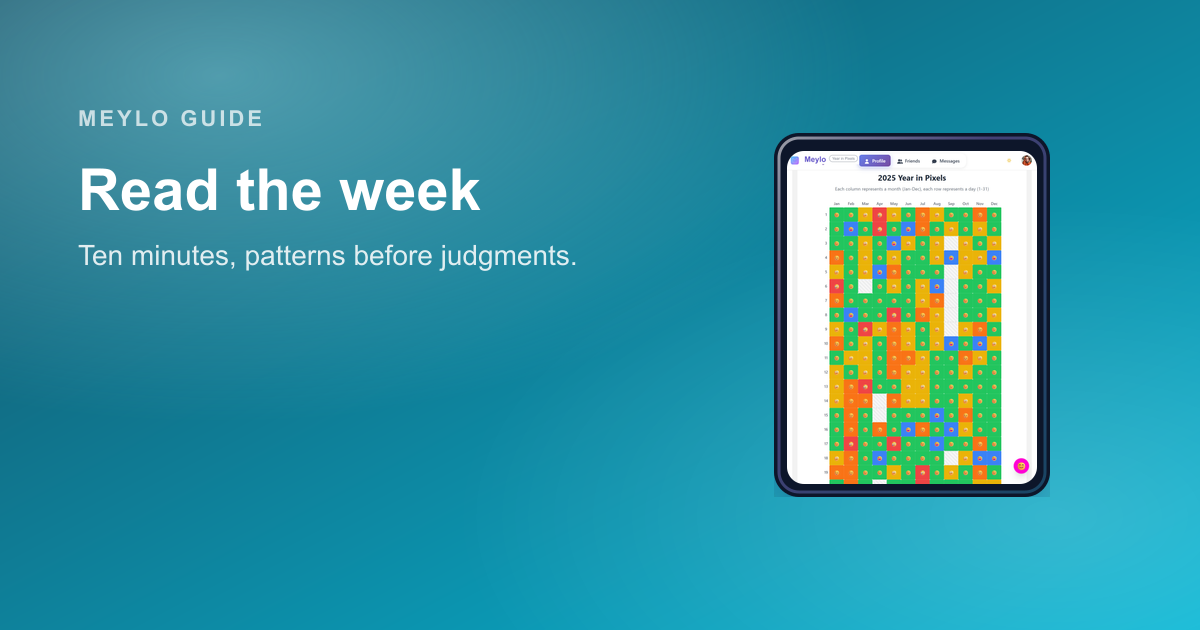
How to review your week with a mood tracker in 10 minutes
A weekly review should help you understand the shape of the week, not turn your mood history into a performance report.
Read article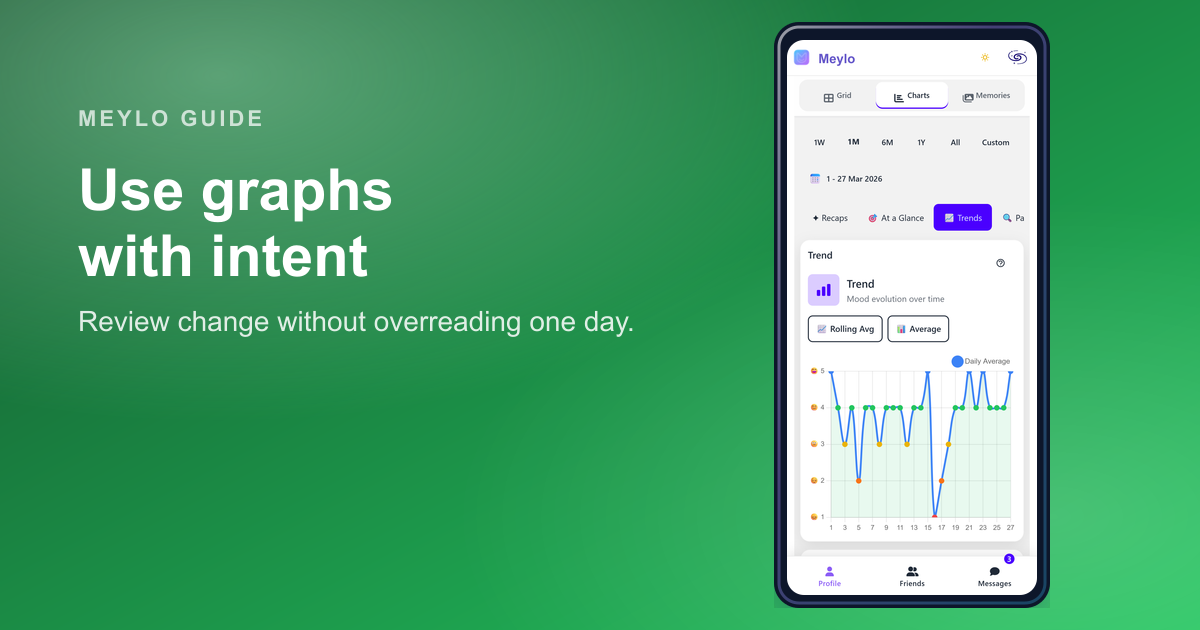
How to read your mood charts without overreading your data
Your mood charts are designed to make your history easier to review, not to turn your mood into a scorecard.
Read article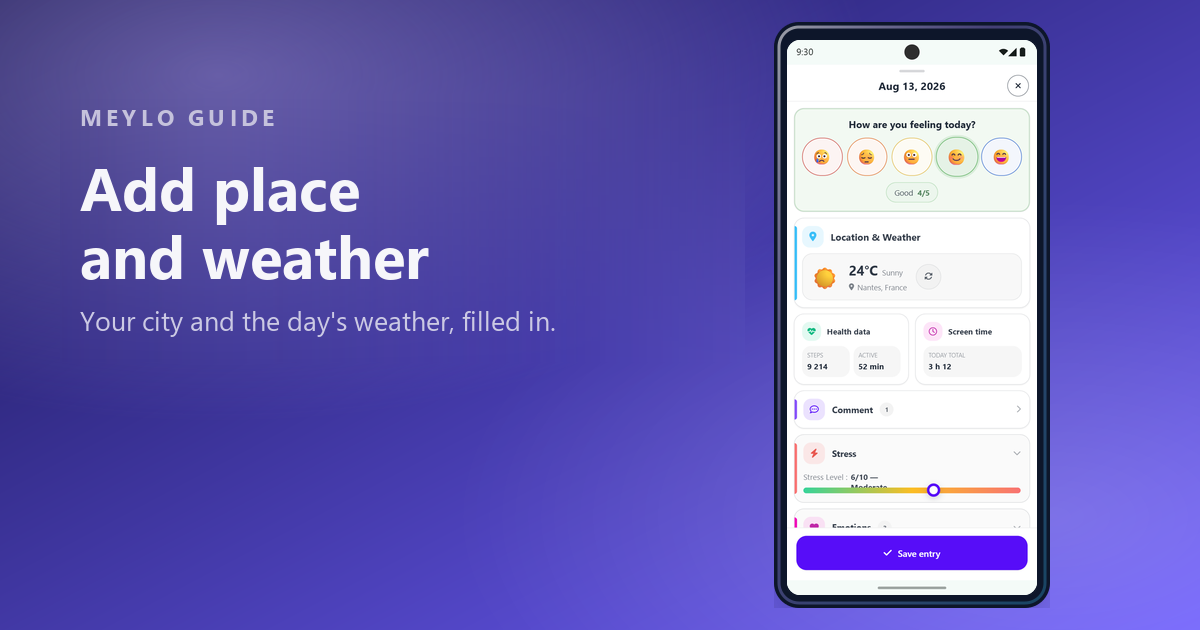
Add location and weather to your mood entries
Location adds two pieces of context that are hard to remember later: where you were, and what the weather was like.
Read article