Add location and weather to your mood entries
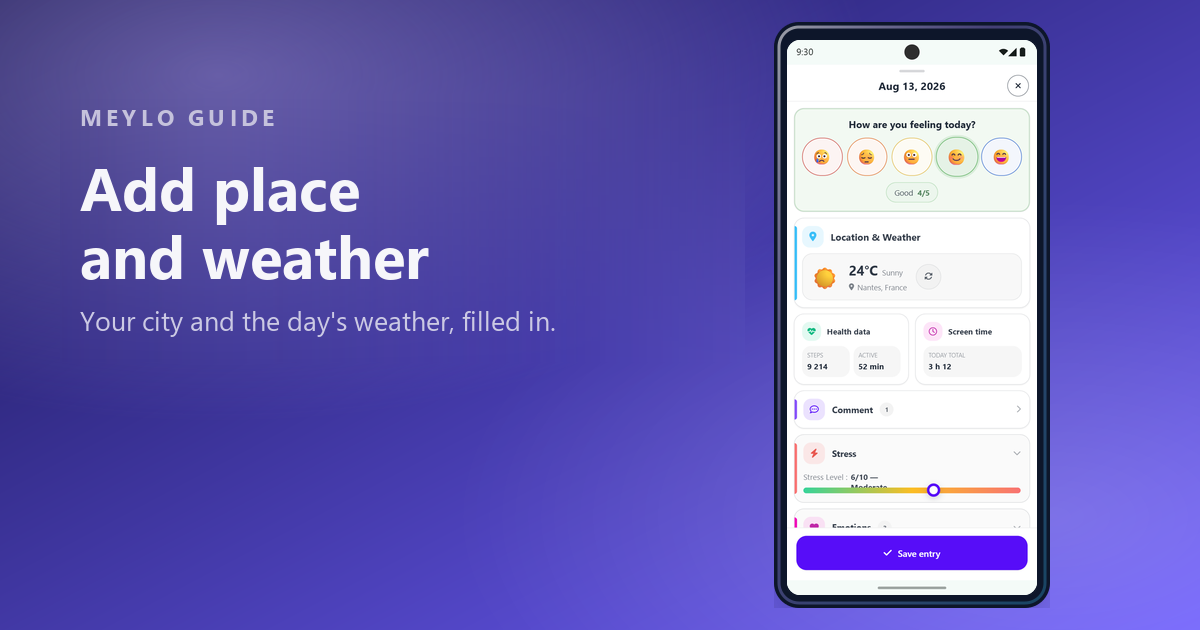
Location adds two pieces of context that are hard to remember later: where you were, and what the weather was like.
Quick answer
Users want to know what turning on location actually adds to a mood entry, and how much of their position is exposed.
What location actually adds
When location is on, Meylo attaches your city to the entry and uses it to fetch the weather for that day. Both appear in the entry under Location & Weather, next to the temperature and conditions.
This matters because context fades faster than the mood rating itself. Six months later, "3/5" tells you very little. "3/5, Nantes, 8°C and raining" gives your review something to work with.
Location also feeds the map view, where entries are pinned by place, and it makes weather available to the influence charts.
Only the city is ever shared
This is the part worth being precise about. Meylo resolves your position to a city and only the city can ever be shared with friends. Your exact coordinates are never exposed to other people.
Sharing is also not automatic. Who can see your city is a separate privacy setting, reachable from the same screen under Related. If you never change it, turning location on does not publish anything about where you are.
Turning it on
Open Settings, then Data & Integrations, then Location. The screen tells you whether location access is already allowed on this device.
Tap Allow location. This opens your phone's own permission prompt — Meylo cannot grant the permission for you. Choose the option you are comfortable with; approximate location is enough for a city and the weather.
If you previously refused the permission, the system prompt will not appear again. Use Open phone settings instead, and enable location for Meylo from there.
If the weather looks wrong
The weather is fetched for the city that was resolved when the entry was saved. If you travelled that day, the entry keeps the place it was created from, not where you ended up.
You can refresh the weather from the entry itself. And if you would rather not record place at all, you can turn location off again at any time — existing entries keep what they already stored.
FAQ
Start a clearer mood history
Turn on location and let your entries remember the place and the weather for you.
Read other articles
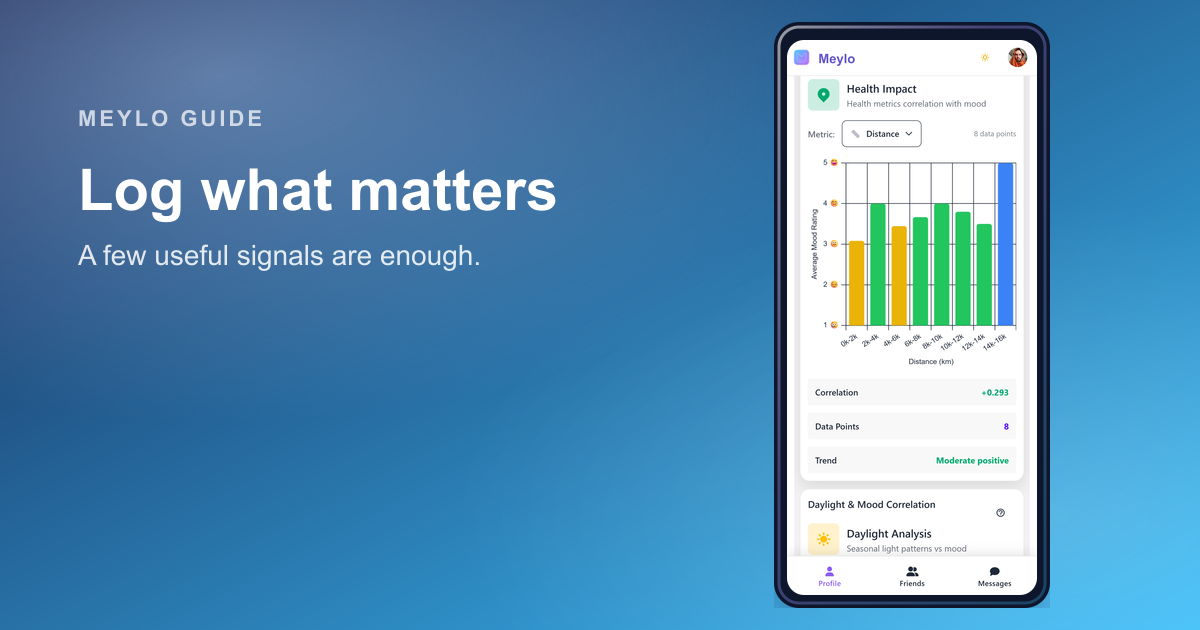
What to log in a mood tracker so the data becomes useful
The best mood tracker data is not the most detailed data. It is the data you can understand when you review it later.
Read article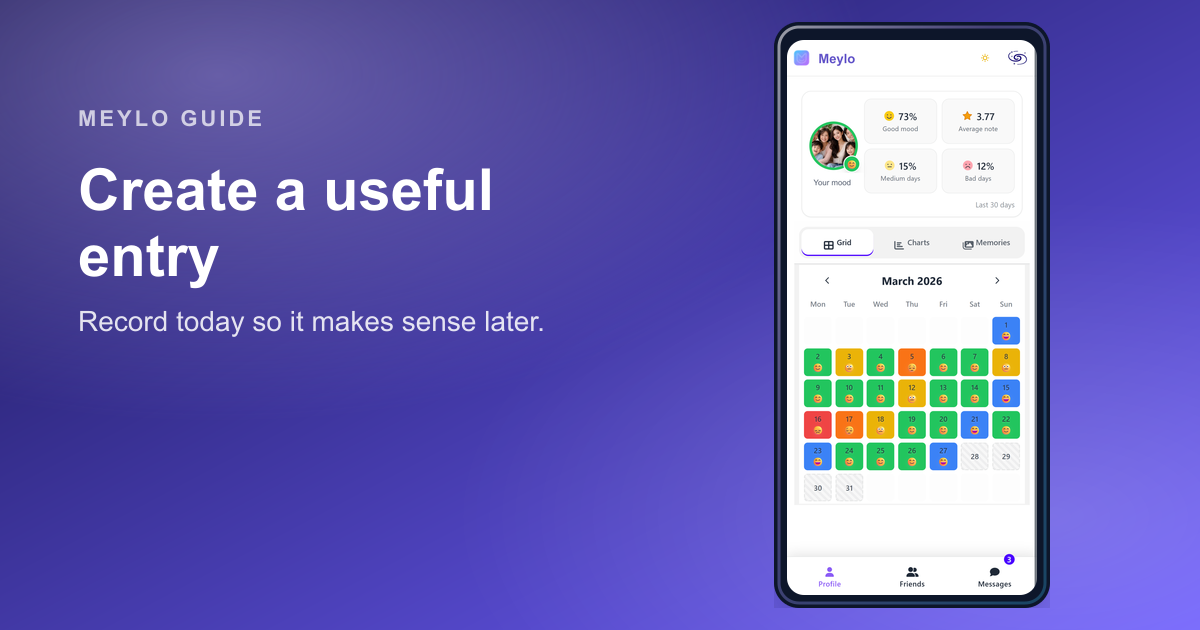
Create a mood entry that stays useful later
A good mood entry is quick to create today and easy to understand when you review it later.
Read article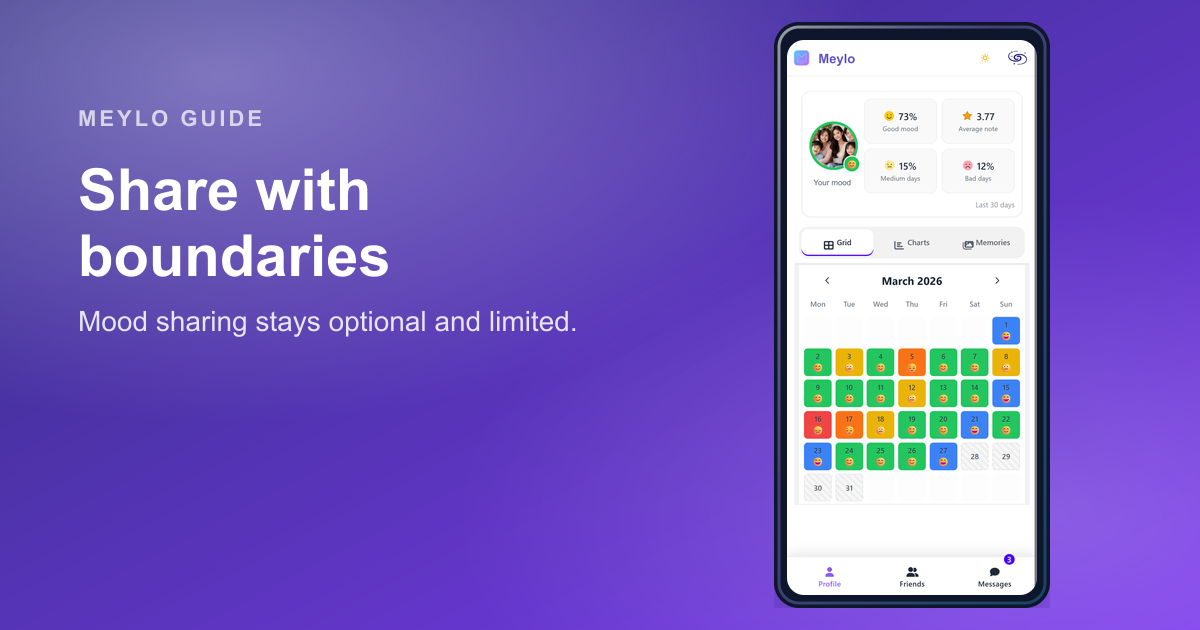
How a private mood tracker can include friends without becoming a social feed
A mood tracker can support trusted connection, but privacy has to come first. Sharing should be optional, limited, and easy to understand.
Read article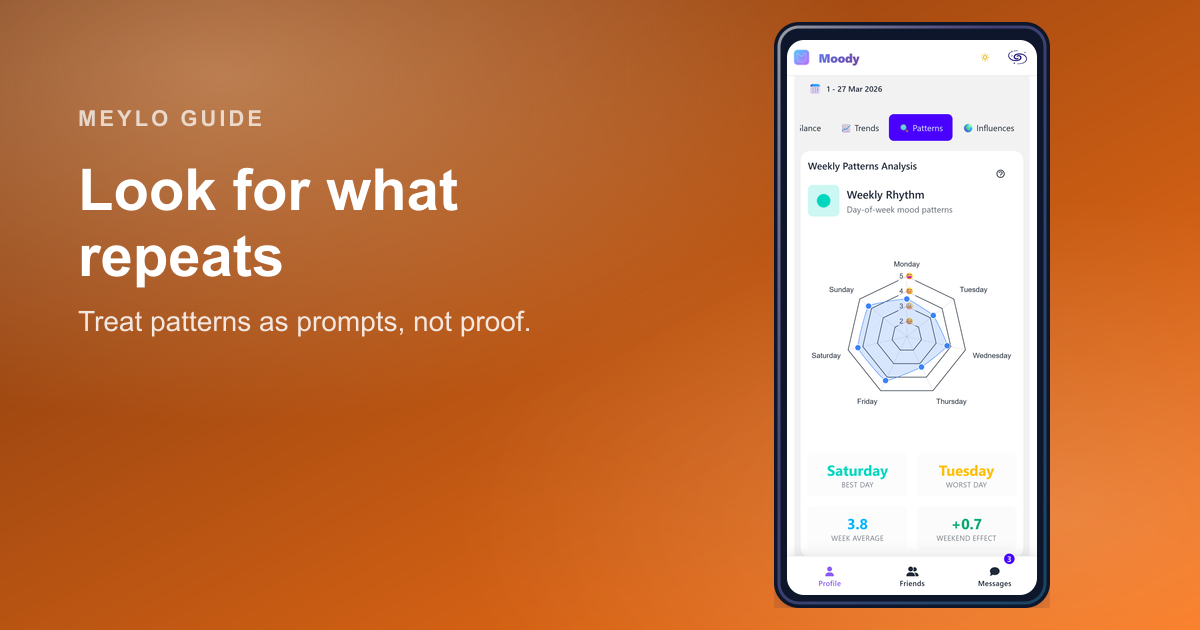
How to spot patterns in your mood data without forcing them
A real pattern repeats. A single memorable day is just a day until the history gives it context.
Read article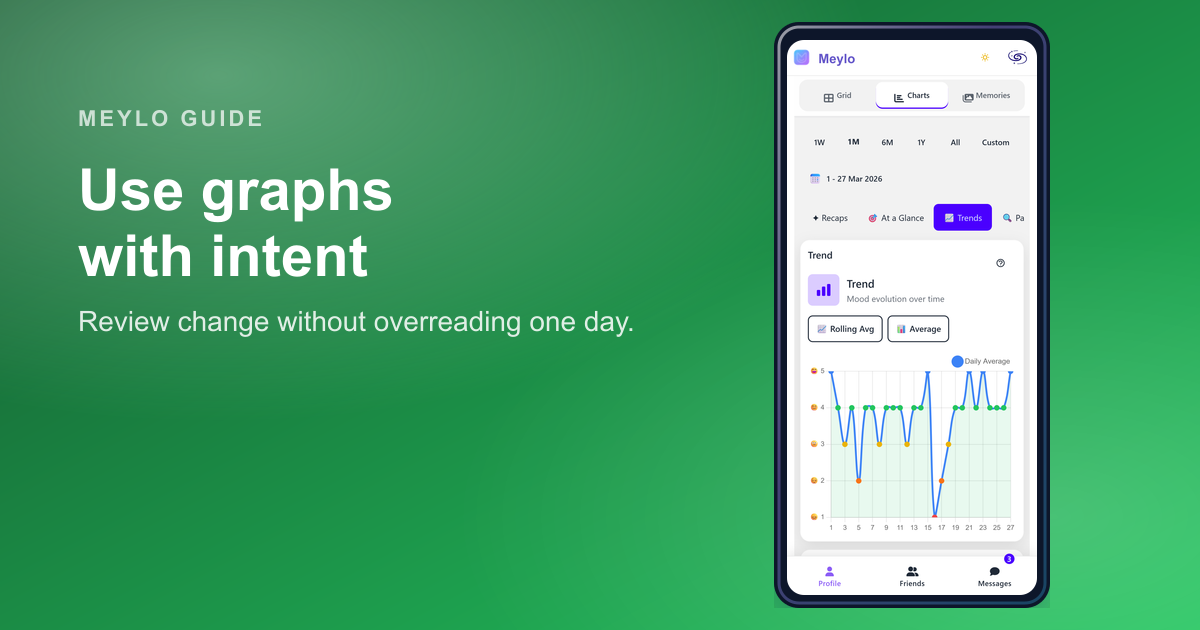
How to read your mood charts without overreading your data
Your mood charts are designed to make your history easier to review, not to turn your mood into a scorecard.
Read article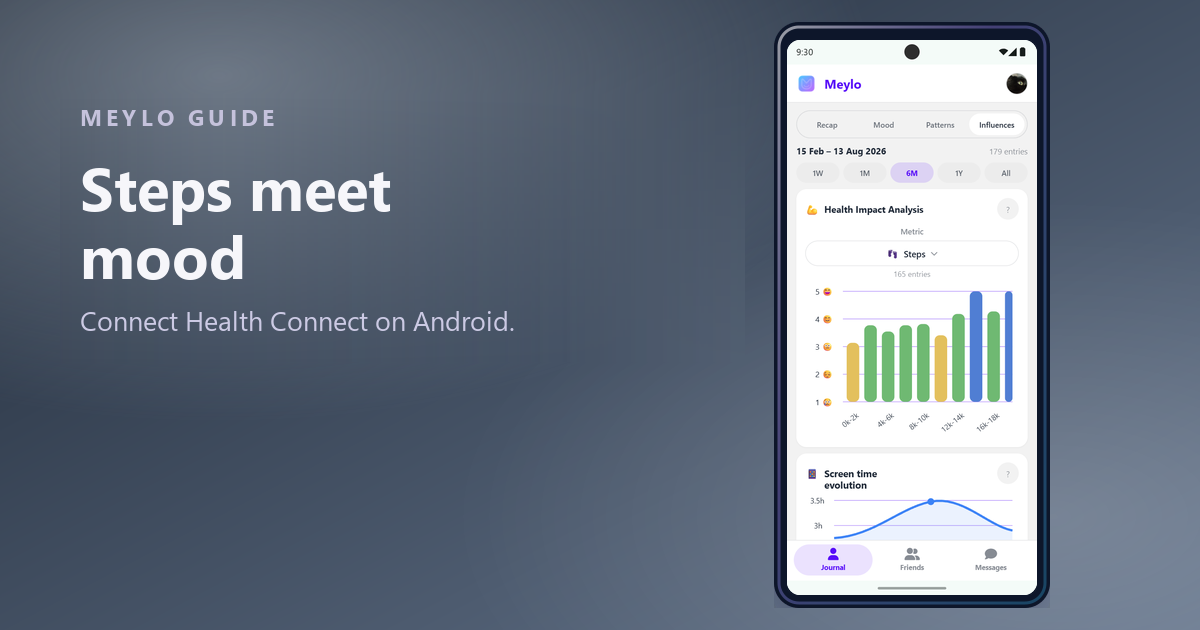
Connect Health Connect to see how movement affects your mood
Steps, workouts and heart rate are already on your phone. Connecting them lets your mood history answer a question you cannot answer from memory.
Read article